1
Download the APK file from the provided link.
Android App
The partner app is live on the Play Store, but the customer app is still under review and not yet fully rolled out. Follow these steps to download and install the APK directly on your Android device in the meantime.
Installation Steps
Download the APK file from the provided link.
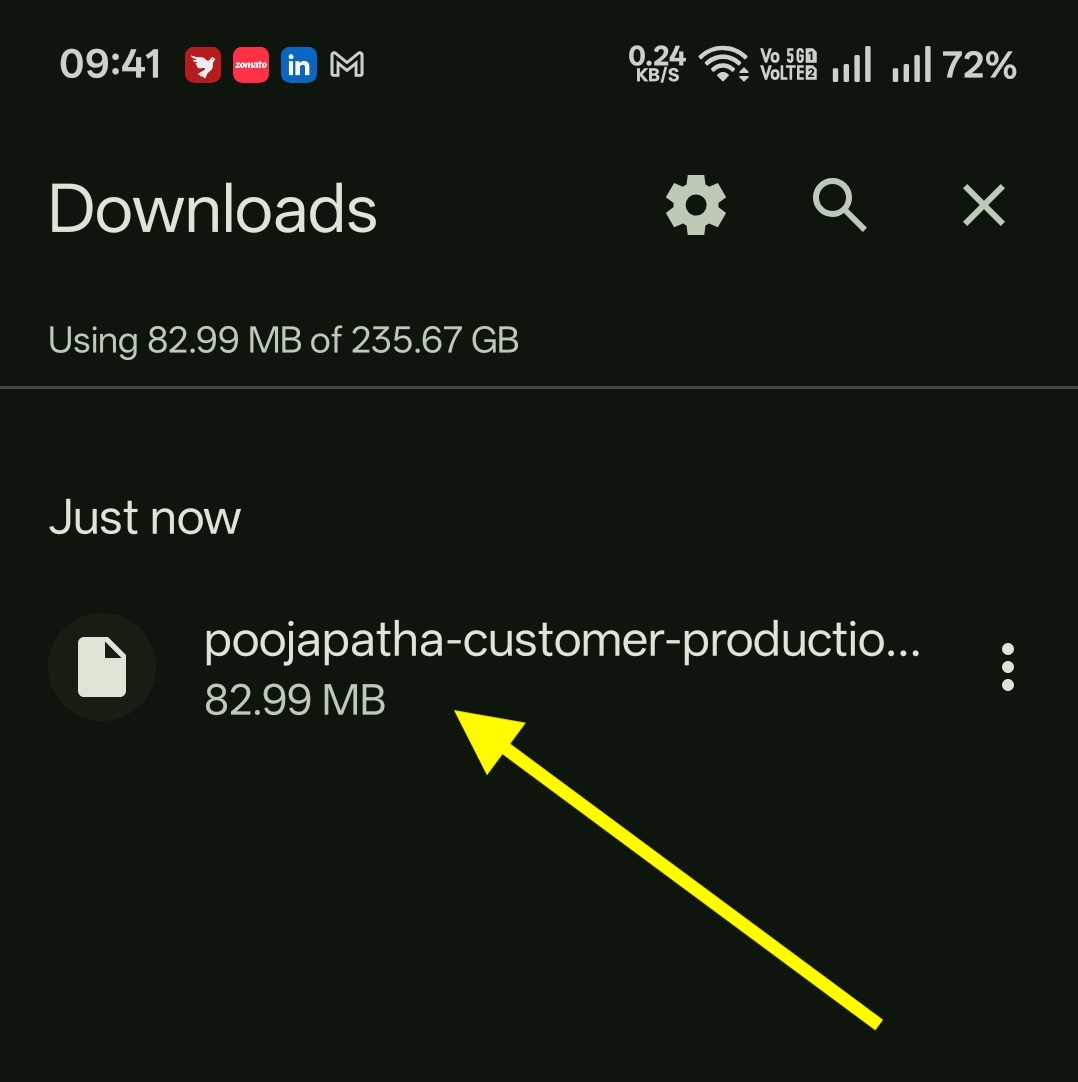
Open the downloaded file from your Downloads folder.
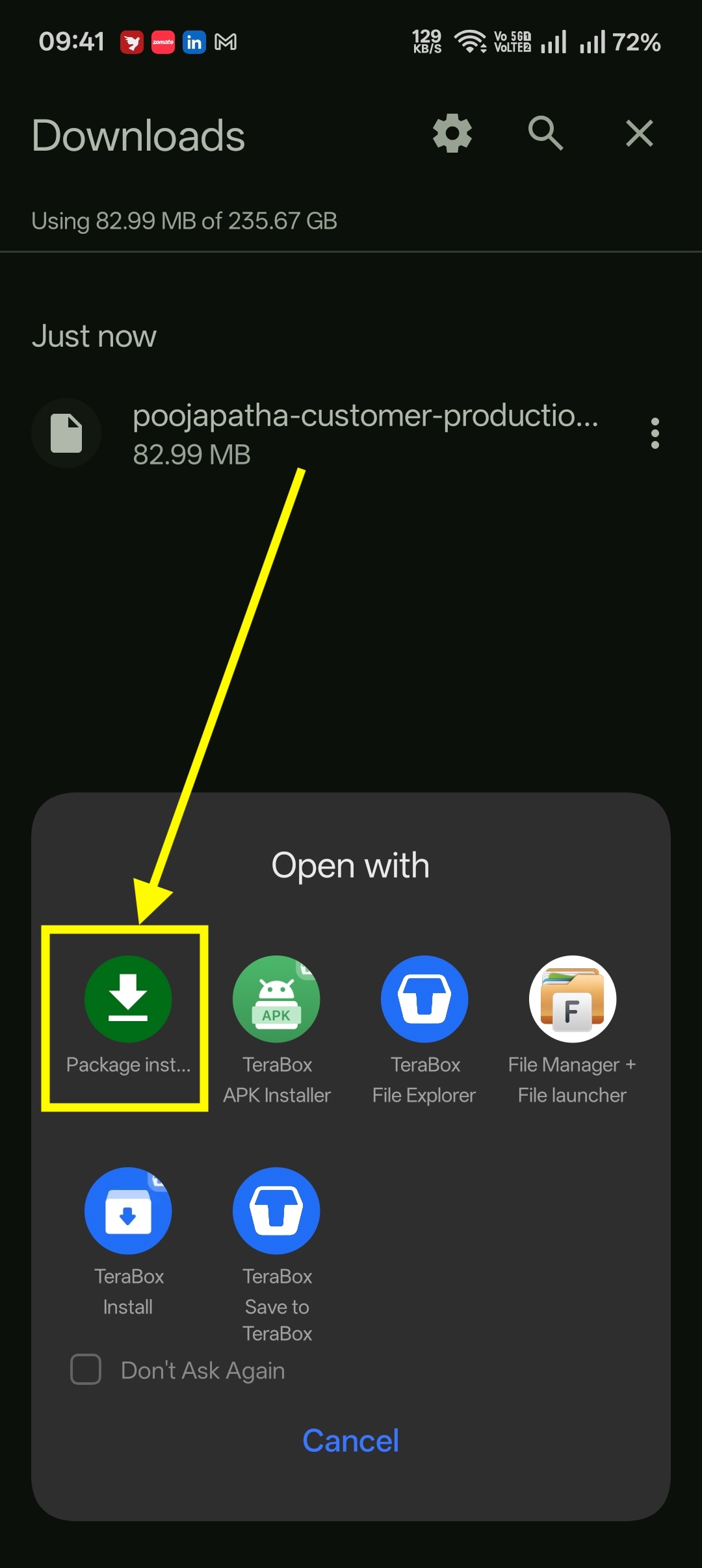
Tap Package Installer when asked to choose an app.
If you see "For your security, your phone isn't allowed to install unknown apps from this source", tap Settings.
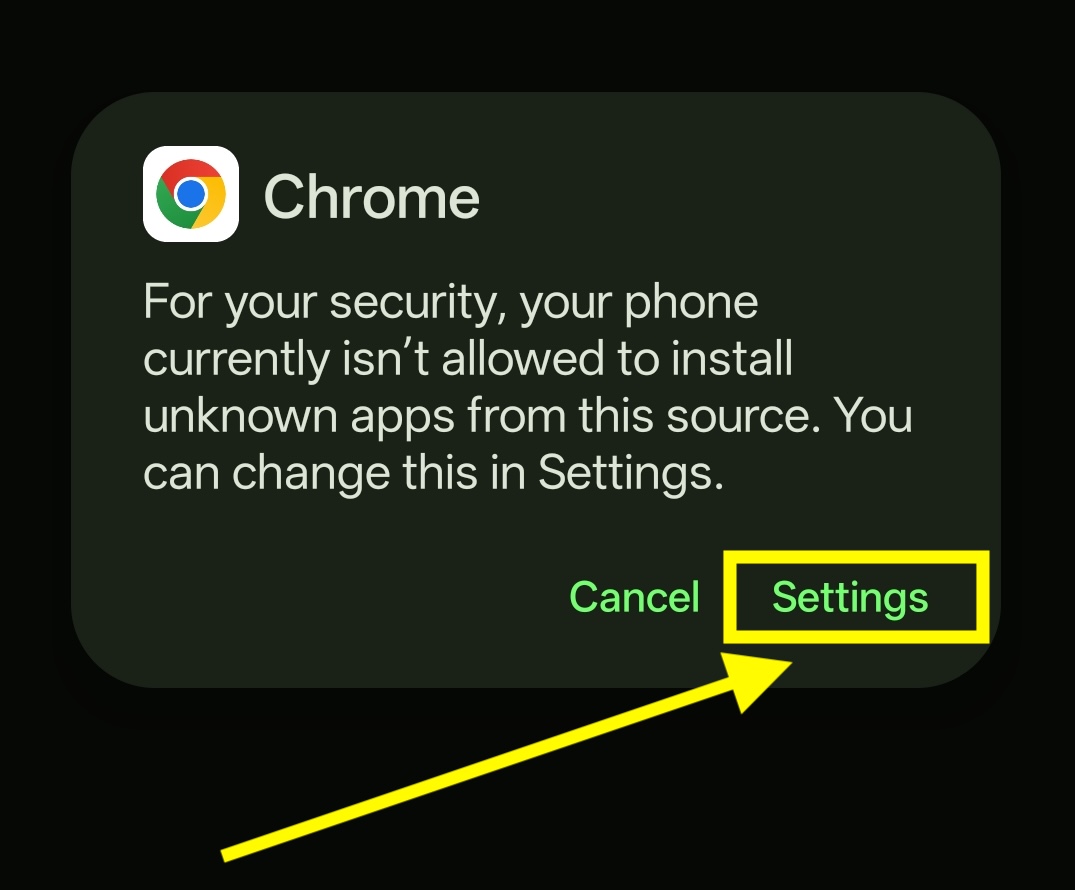
Turn ON Allow from this source and go back.
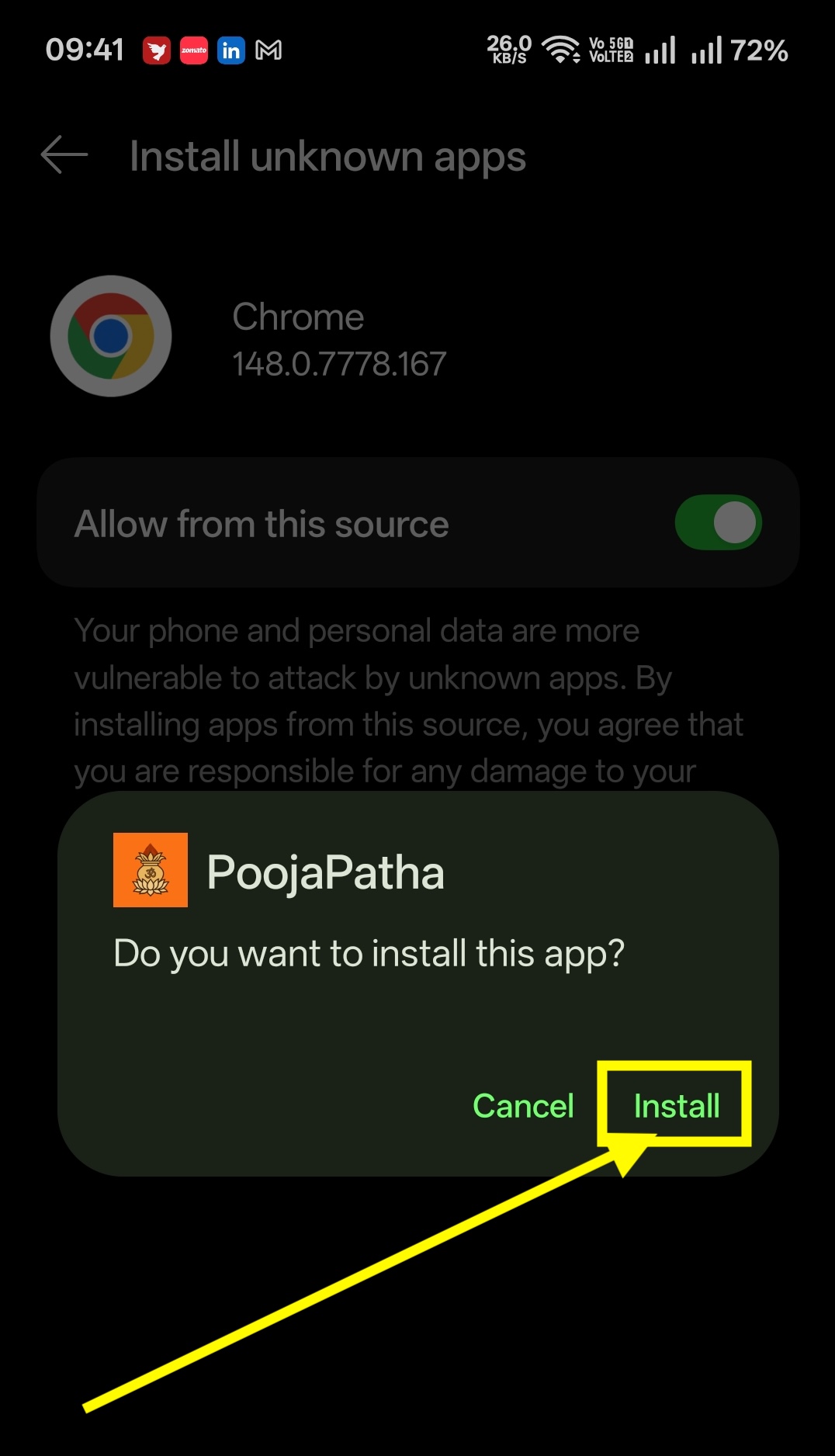
Tap Install for the PoojaPatha app.
If Google Play Protect asks to scan the app, tap Scan app and wait for the scan to complete.
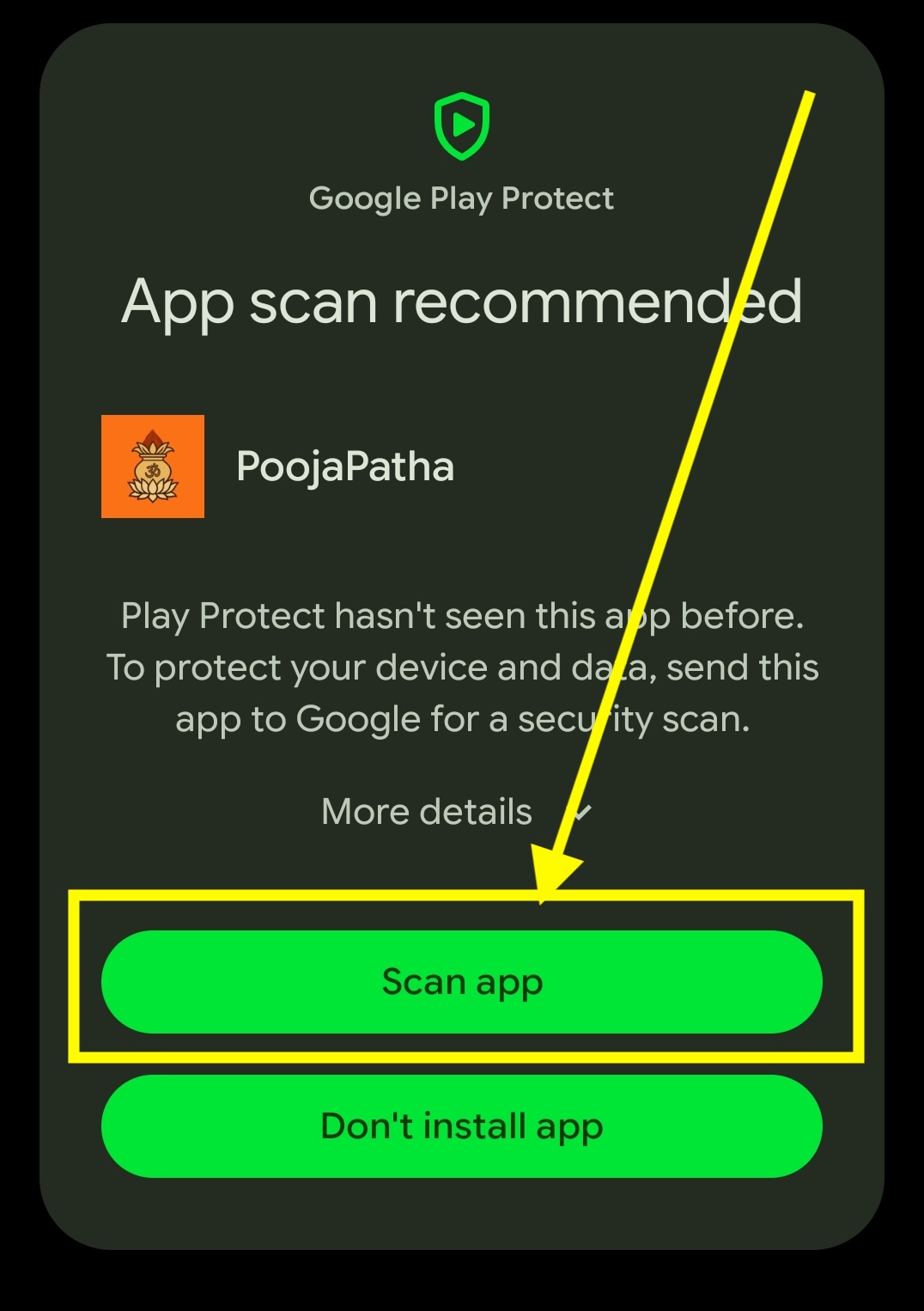
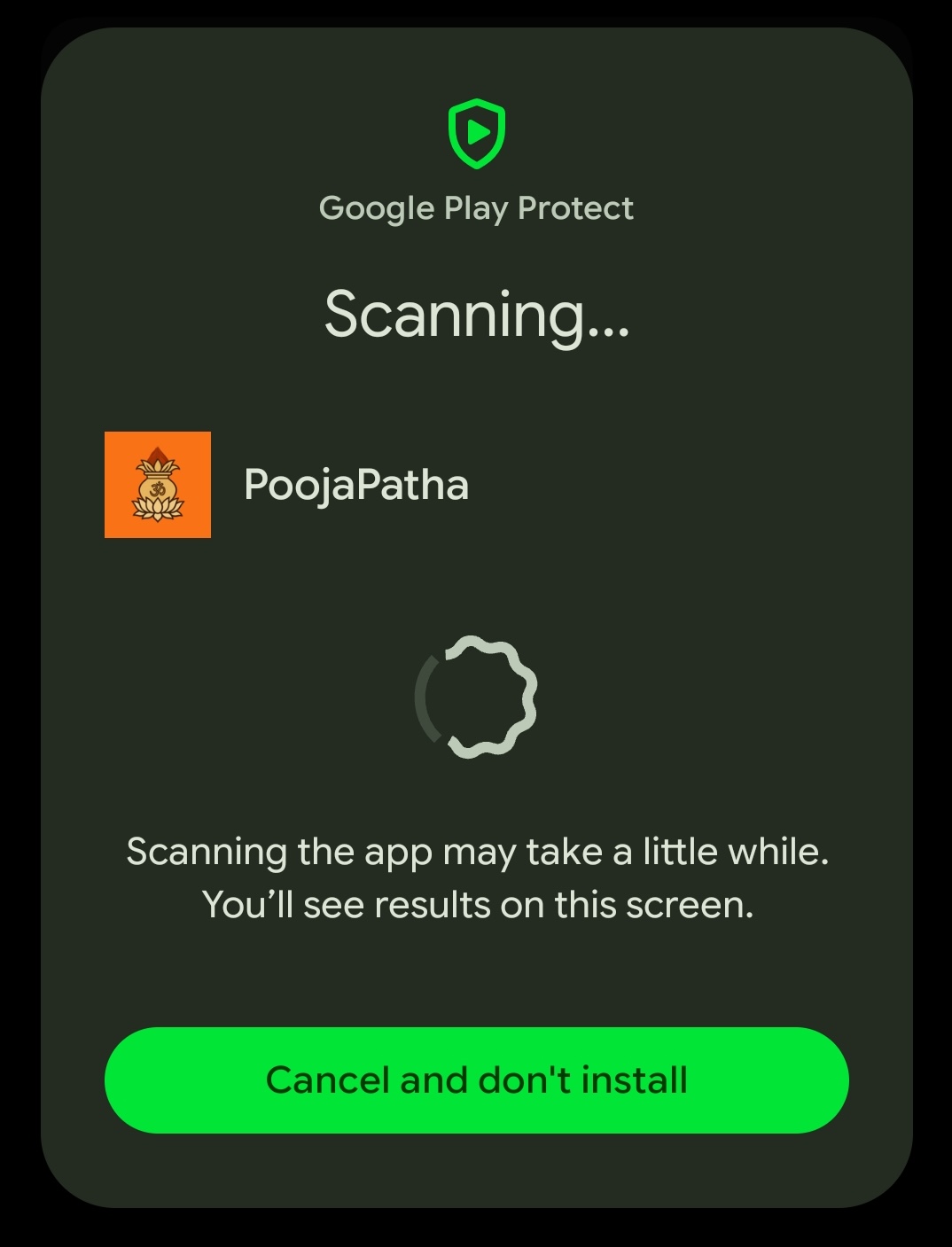
When the message "This app looks safe" appears, tap Install.
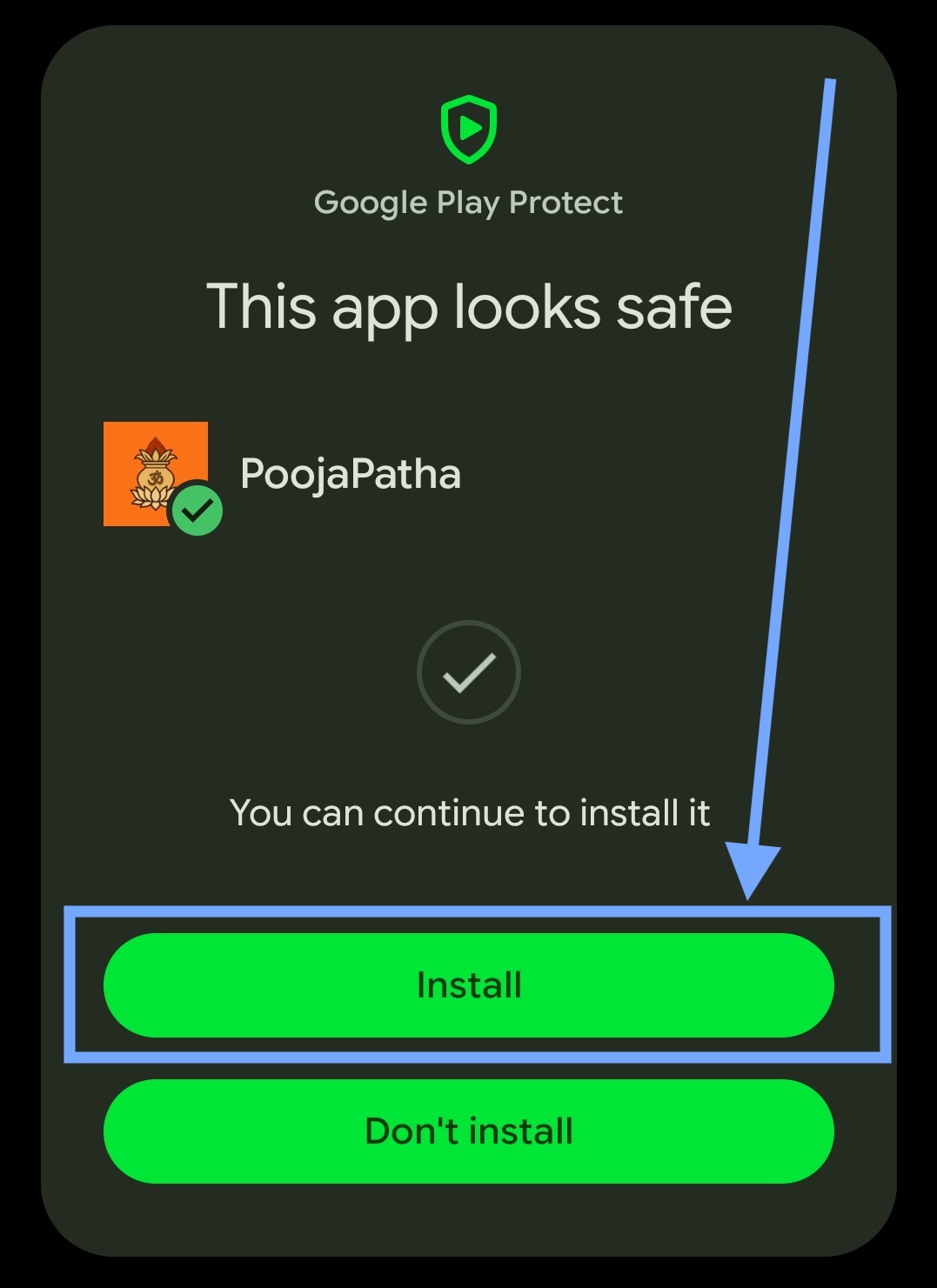
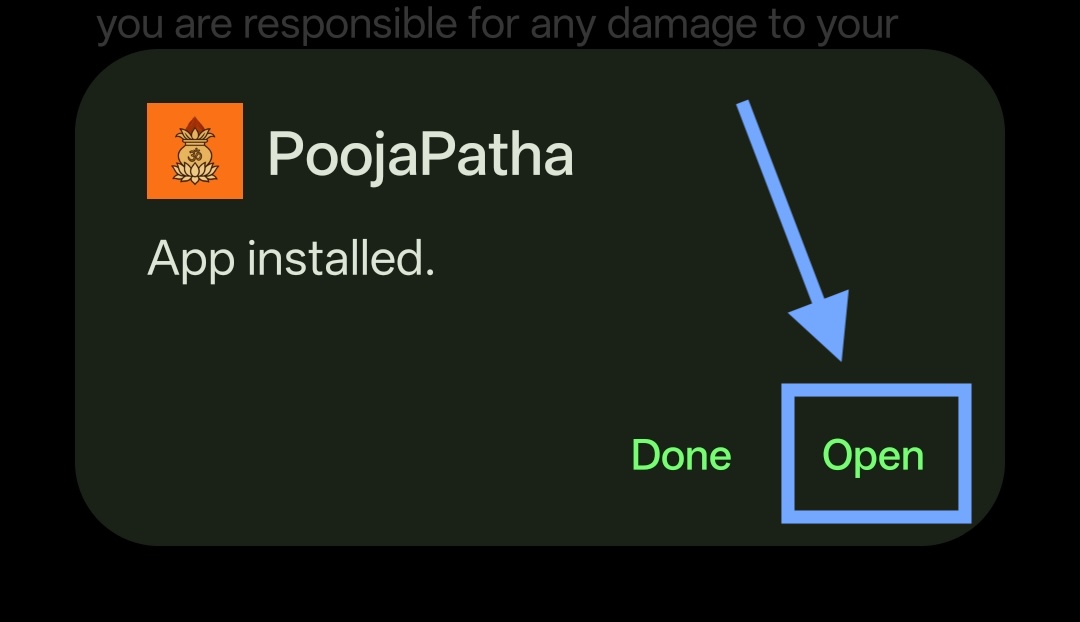
After installation is complete, tap Open to start using PoojaPatha.
Note: These permissions are required only once during the first installation.
After Installation
First Launch – App Permissions
When you open PoojaPatha for the first time, you will be asked to grant a few permissions needed for the app to work properly.
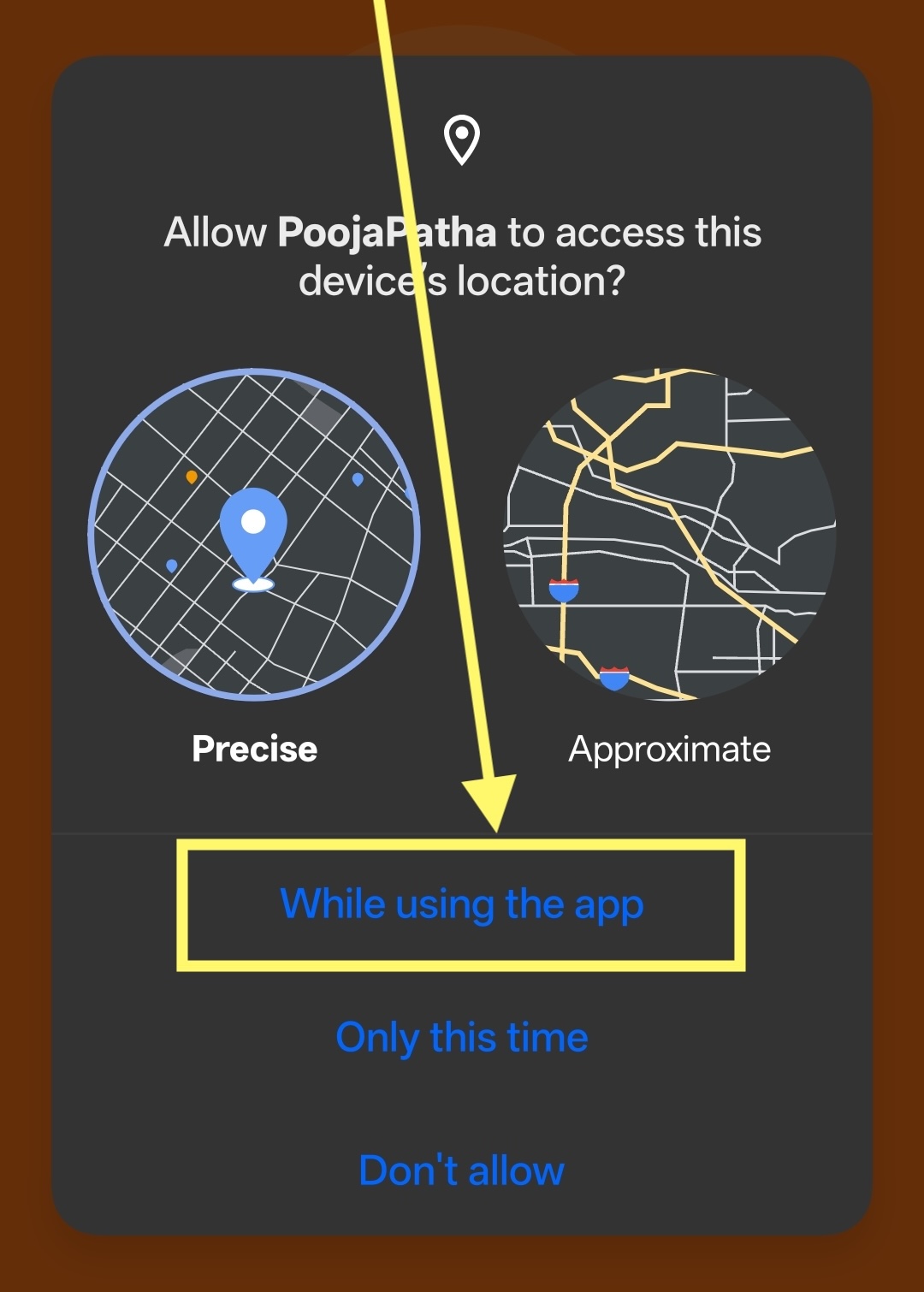
Tap "While using the app" to allow PoojaPatha to access your location.
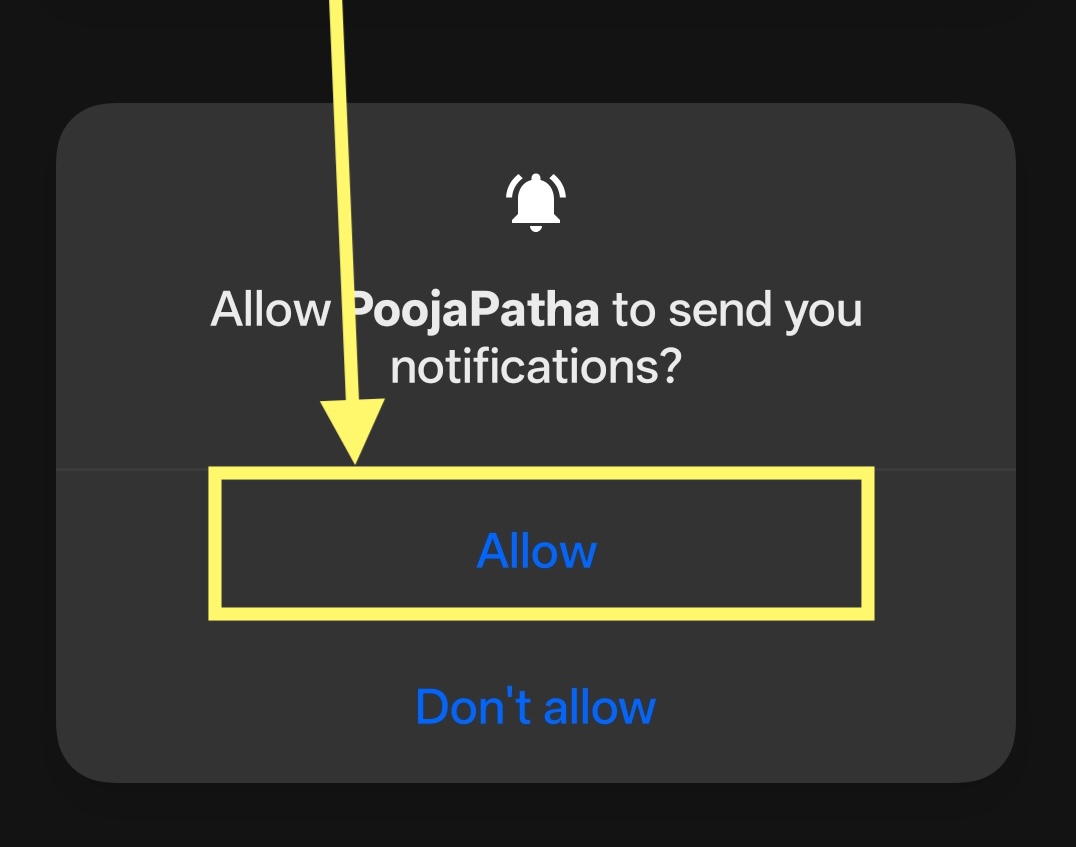
Tap "Allow" to receive booking updates and important notifications from PoojaPatha.
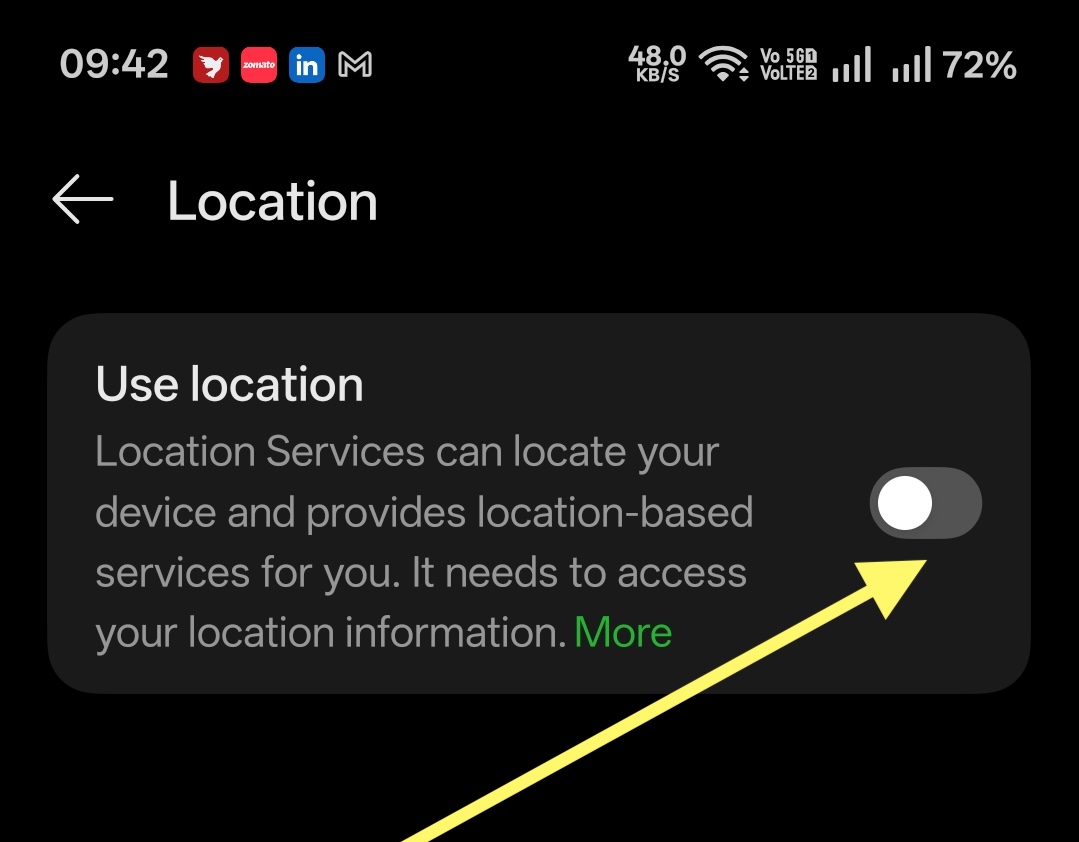
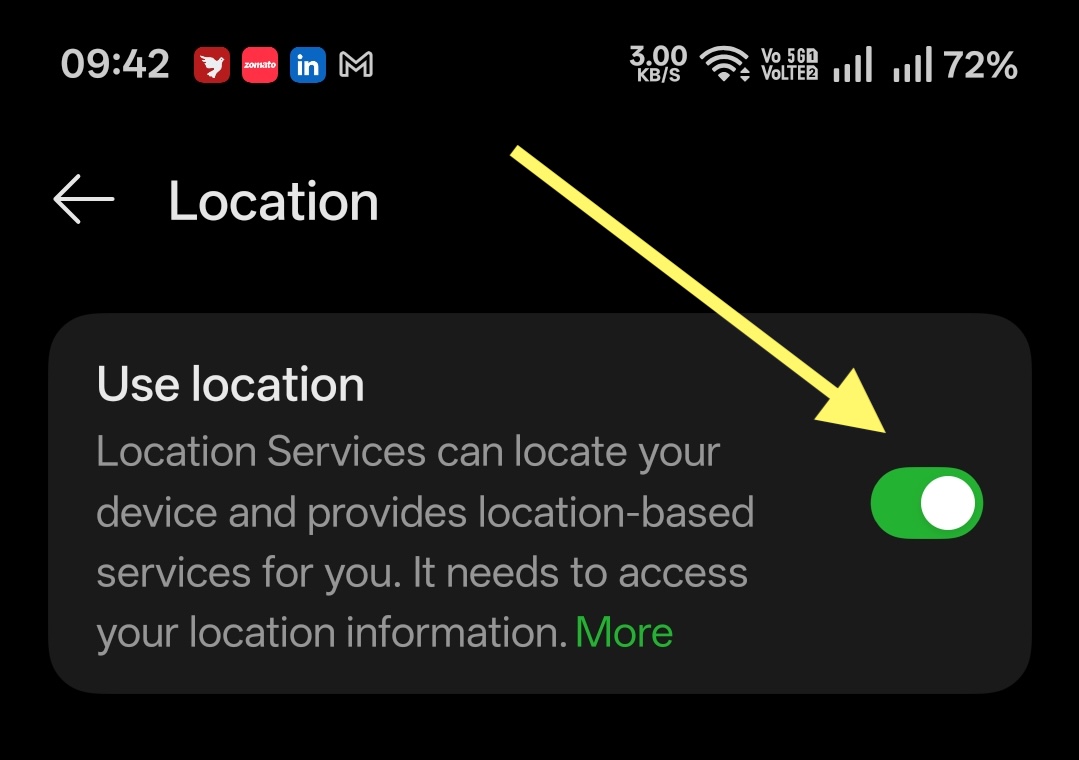
If your device location is turned off, tap "Open Settings" and enable "Use location" to continue.